
Photos stay on your device
Editing and export happen locally in your browser. Nothing is uploaded.
Create quote images, photo captions, and social posts. Type once — get three real designs. Edit here, download in seconds.
Pick up your last designYOUR WORDS, IN THREE DESIGNS ↓
Real templates from TextArt. Your words carry into the editor.
THE EDITOR
Fonts, size, color, alignment, spacing. Move, resize, rotate. Swap in your own photo with Fit or Fill. Up to 50 steps of undo.
Try the editor ↗Editing and export happen locally in your browser. Nothing is uploaded.
What you preview is what downloads — watermark shown before you export.
Your work saves locally and restores when you come back. Delete it anytime.
Start with a real TextArt quote template or add a caption to your own photo.
TEMPLATES
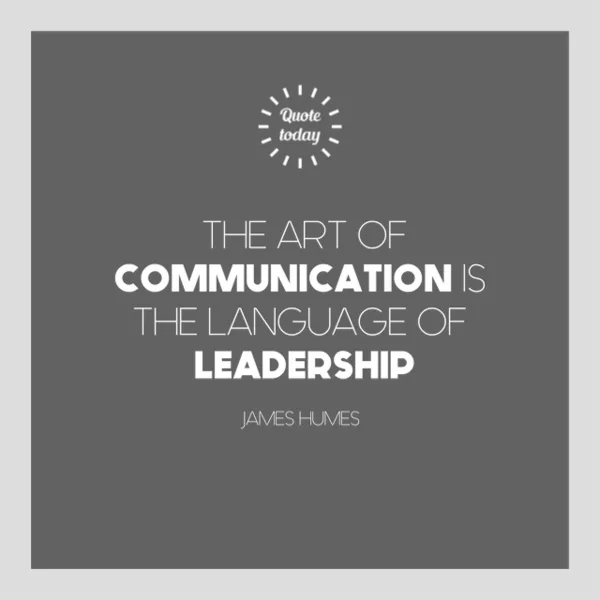 Edit online
Quote · 1:1
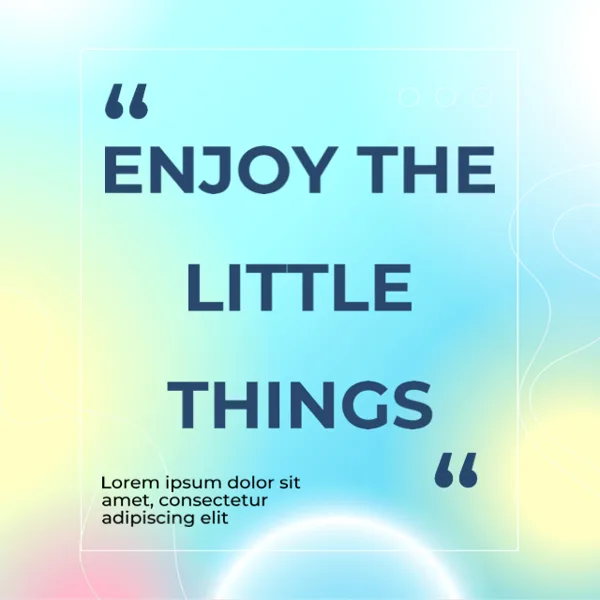 Edit online
Quote · 1:1
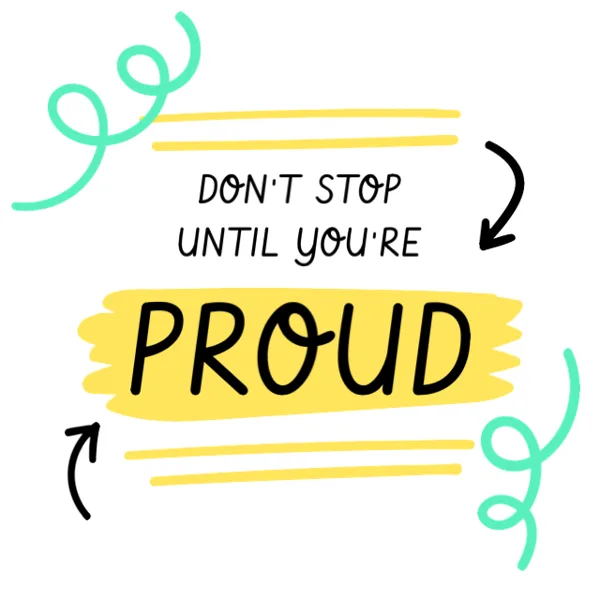 Edit online
Quote · 1:1
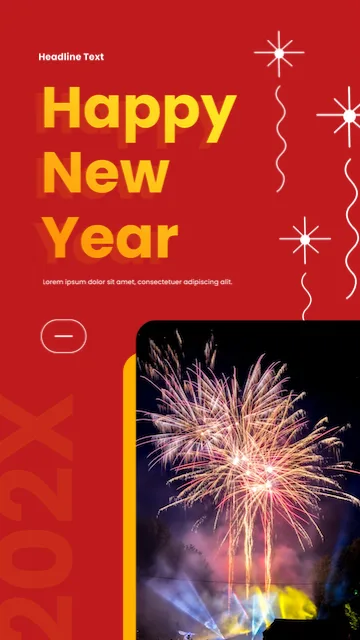 In the app
Happy New Year · 9:16
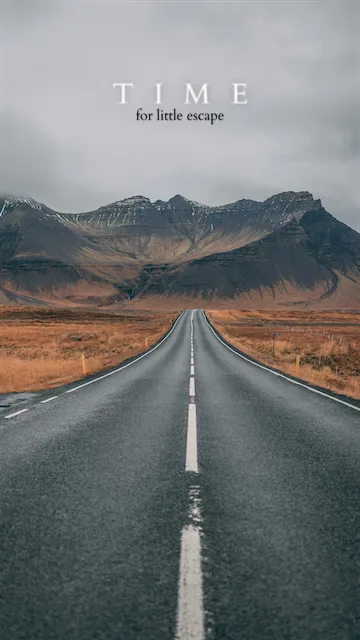 In the app
Instagram Story · 9:16
 In the app
Summer · 9:16
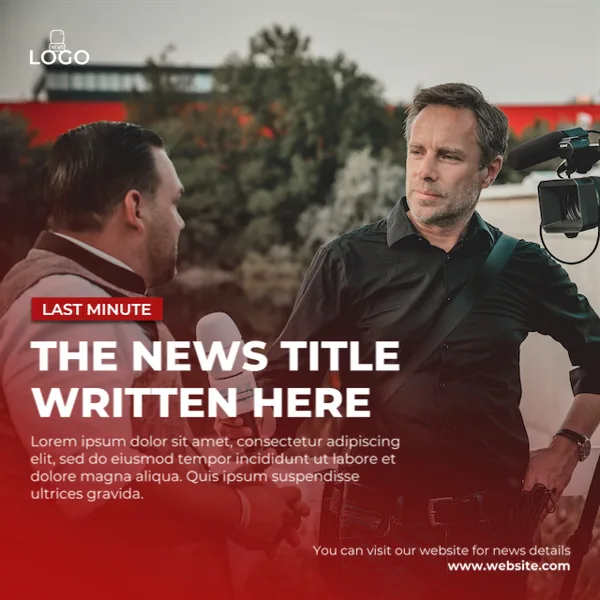 In the app
Breaking News · 1:1
 Edit online
Quote · 1:1
No templates in this selection. Browse the full app library.
Edit selected templates here. Discover more designs and tools in the TextArt app.
IN GOOD COMPANY
THE APPS
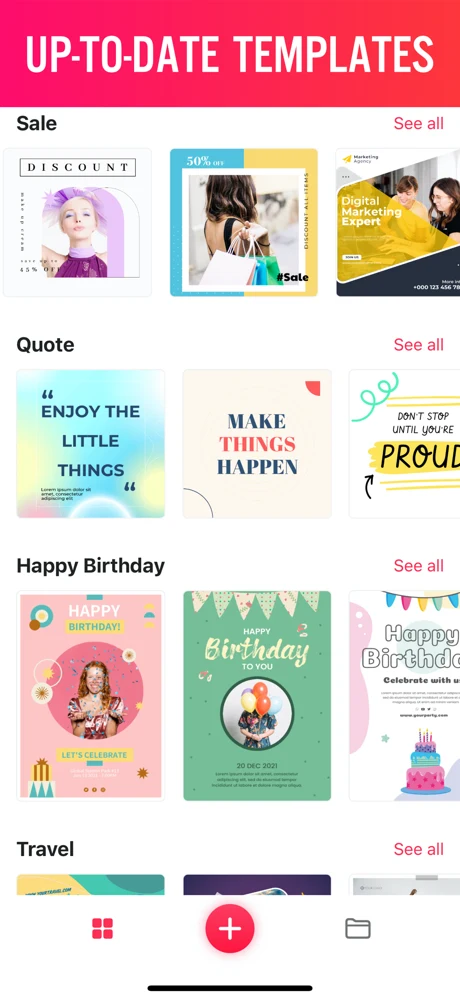
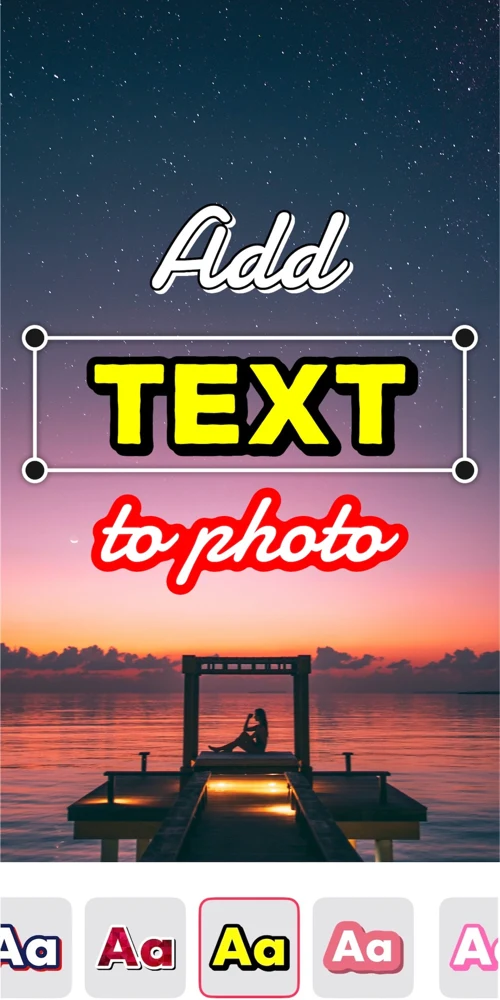
TextArt is a text-on-photo and typography design app for quote images, social posts, and posters. Capabilities differ by platform.
FOR IPHONE
A rich font library plus outlines, shadows, and layered effects for detailed typography work.
Get TextArt for iPhoneFOR ANDROID
A fast, focused editor: text and photos, fonts, color, spacing, transforms, undo/redo, and export.
Get TextArt for AndroidANSWERS
Yes. Edit the browser-ready templates and download without signing up, installing anything, or entering an email. The wider library also includes templates available in the app.
No. Photos and design text stay in your browser; editing and export happen locally on your device.
Yes — a small TextArt watermark, shown in the preview before you download. Exports are PNG or JPG up to a 1,920 px long edge, without enlarging smaller designs.
The iPhone app offers a larger font library and layered effects; the Android app is a focused text-and-photo editor. Each platform page lists what it supports.
Not yet. Your browser draft stays in this browser; the apps are a separate place to keep creating.
Drafts save locally and can be restored on this browser for 30 days after your last edit. Browser storage can be cleared or unavailable, so download anything you want to keep. You can delete local drafts anytime.